
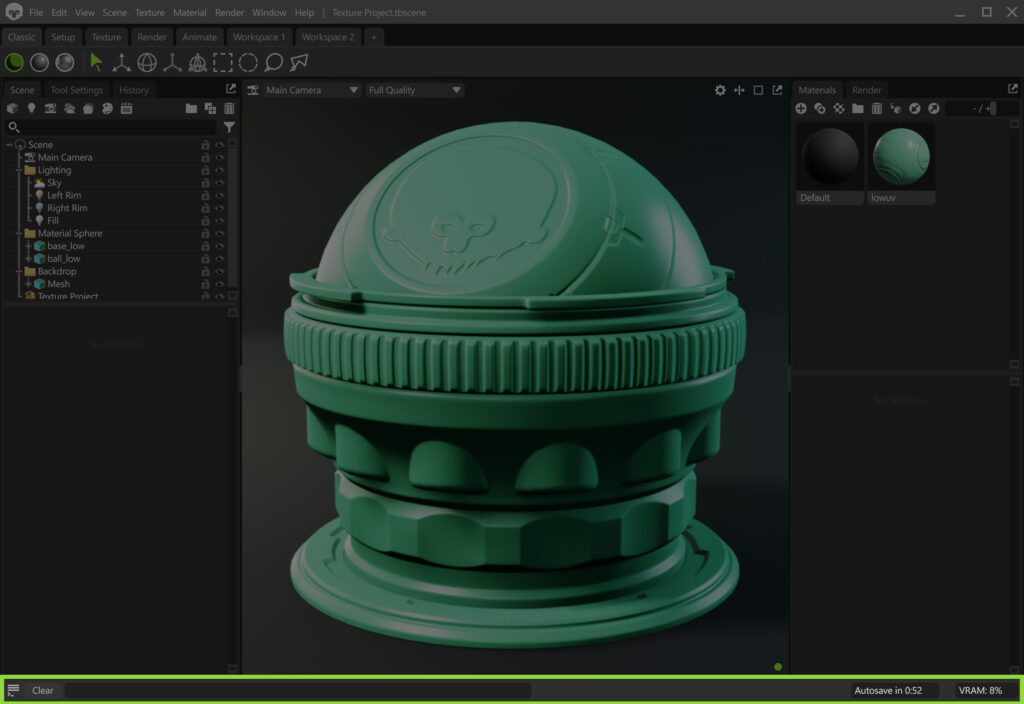
The Status Bar is located at the bottom of the interface and displays real-time information, such as autosave status, VRAM usage, and error messages. It helps you monitor resource usage, identify issues, and stay aware of the current save state.
| Setting | Description |
|---|---|
| Console | Opens the console window. It logs the main actions, such as asset and data loading, and error messages. |
| Clear | Clears the currently displayed error. |
| Autosave | Shows the remaining time until the next autosave is made. |
| VRAM | Shows VRAM usage of the app. |
